NexaX ERP

Your business, connected.

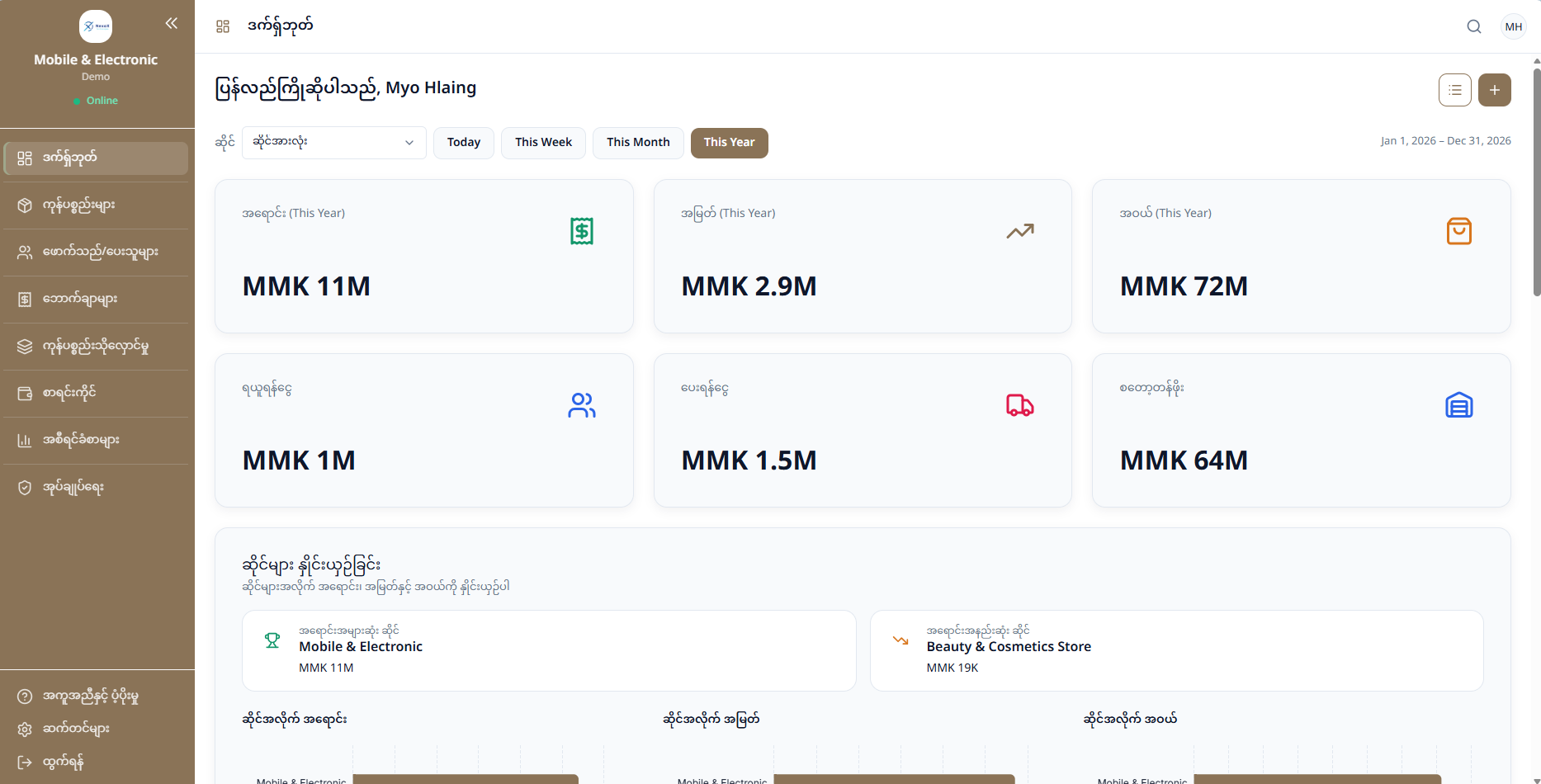
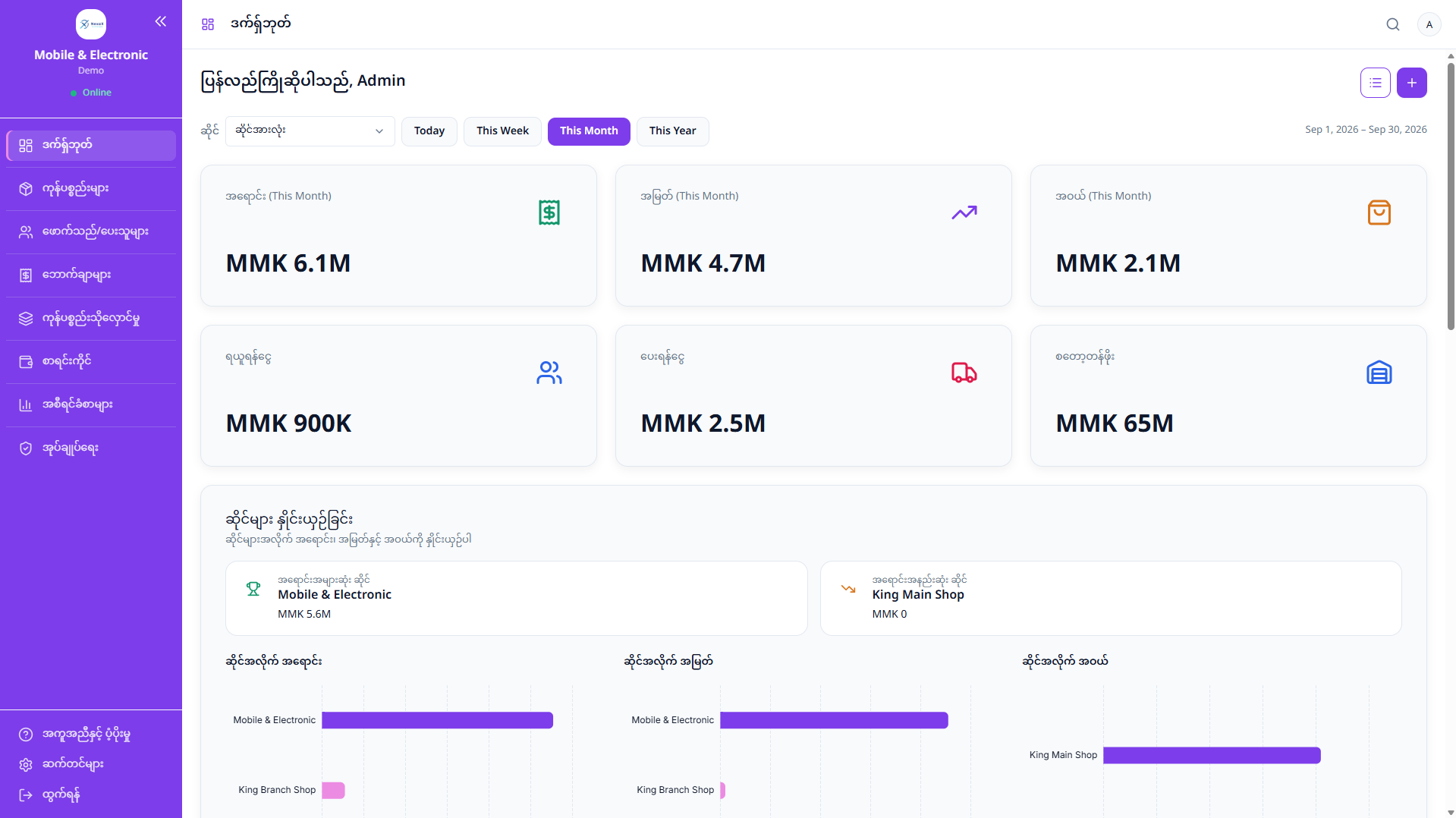
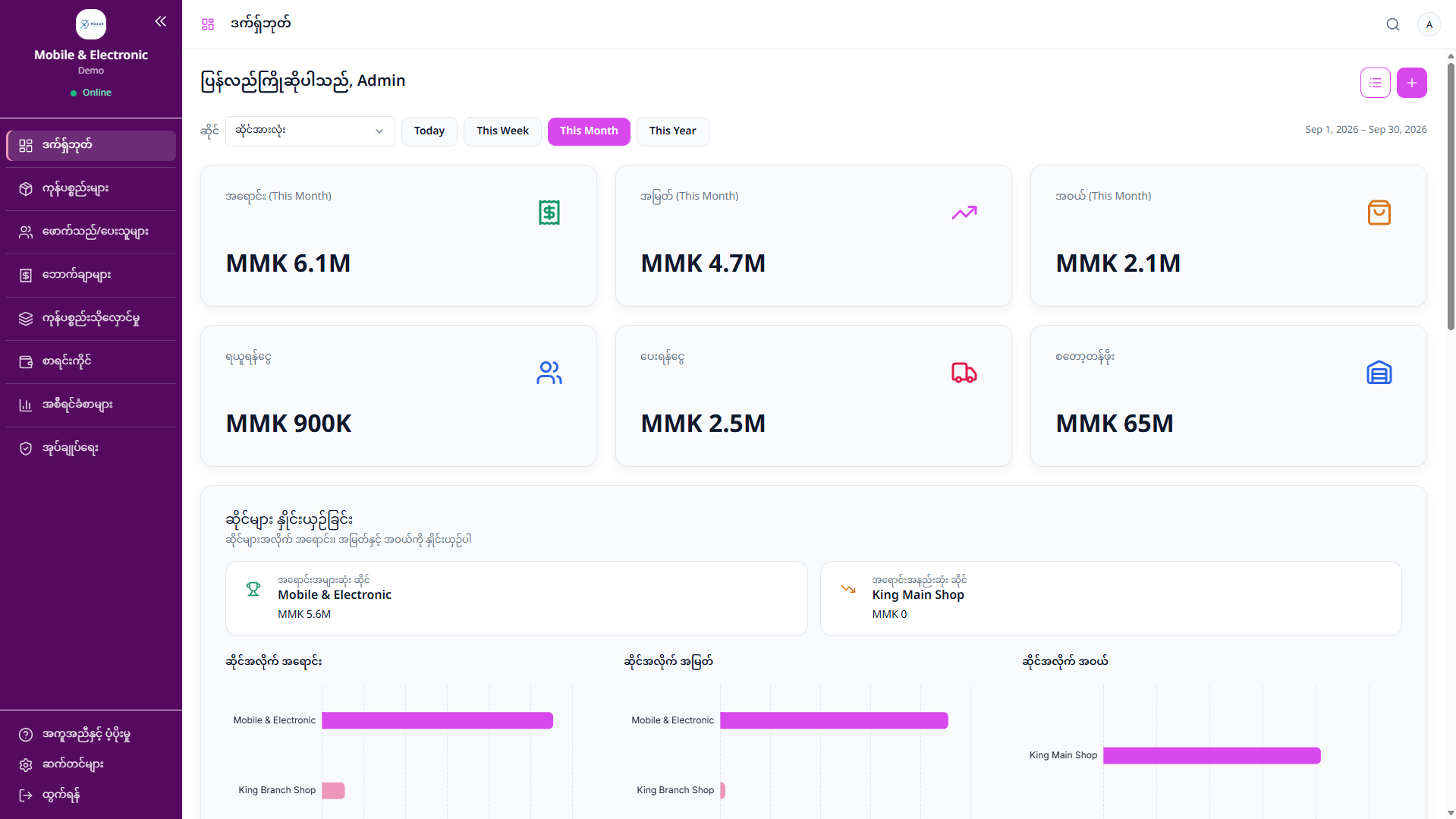
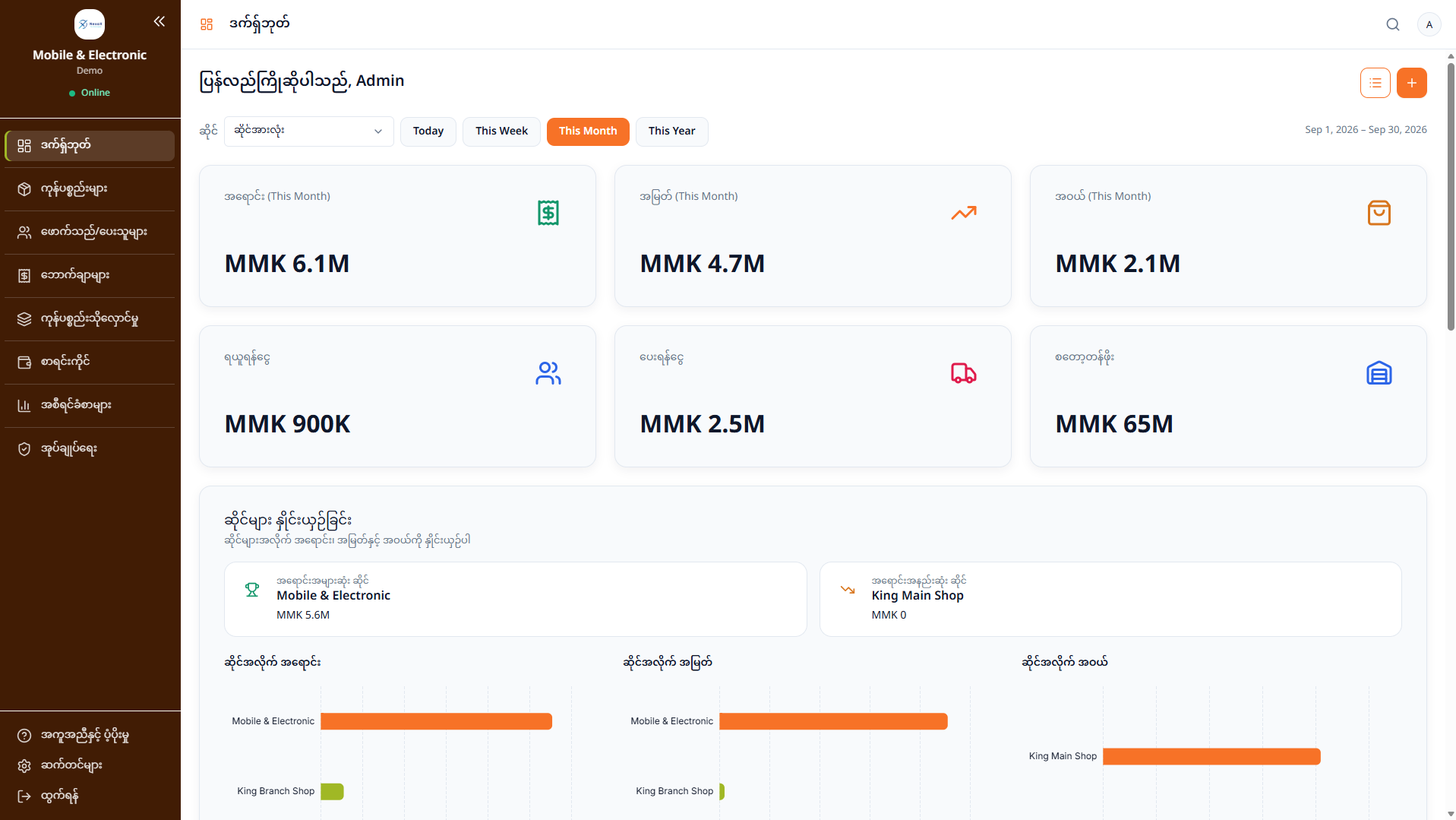
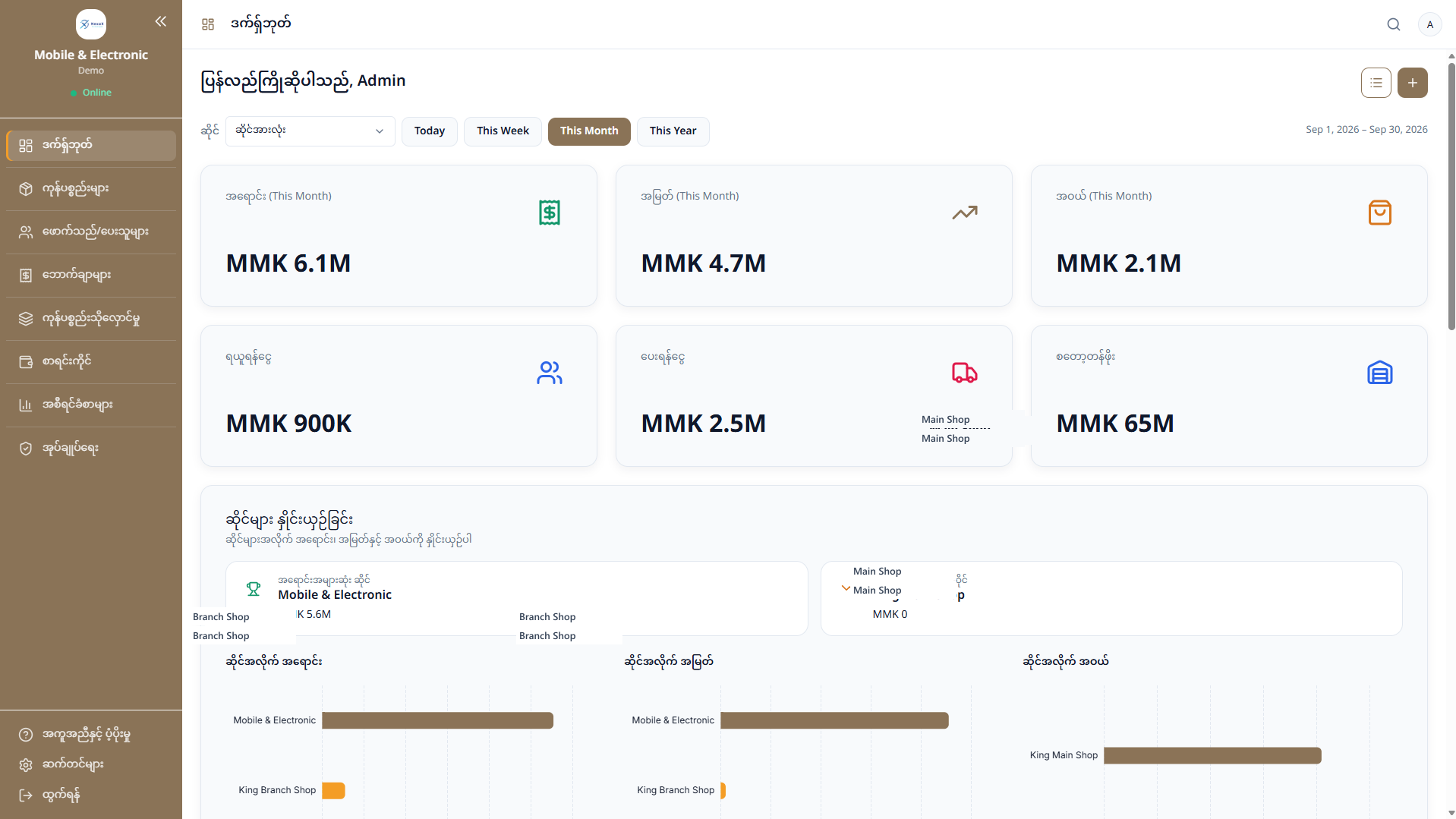
NexaX ERP dashboard showing sales, profit, expenses, and shop performance

A sale stays connected to stock, its cost, and the shop's finance and reports.

Watch demo

Inside the product

See how a shop records a sale and keeps the stock behind it in the same system.

One transaction doesn't stay one transaction.

Every sale starts here.

Record the customer, the items, and the payment in one sale. The stock that moves stays with that sale.
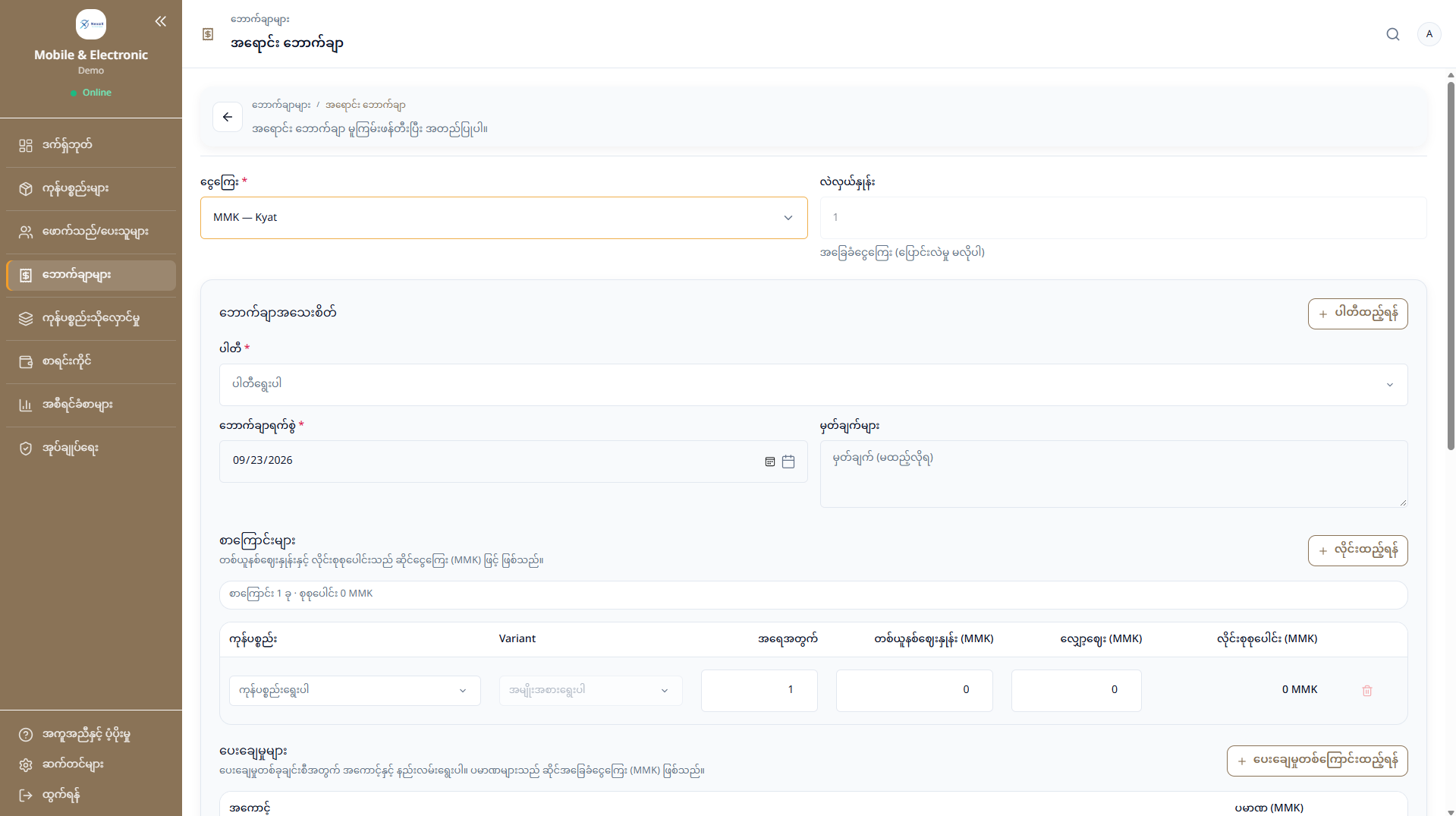
NexaX ERP sale form with customer, items, pricing and payment
  • Customer
  • Items
  • Quantity
  • Discount
  • Payment
  • Balance

Stock has a history.

A shop can cost stock with FIFO or actual batch. FIFO uses the oldest stock first. Actual batch uses the lot you select. A report compares the margin under both.
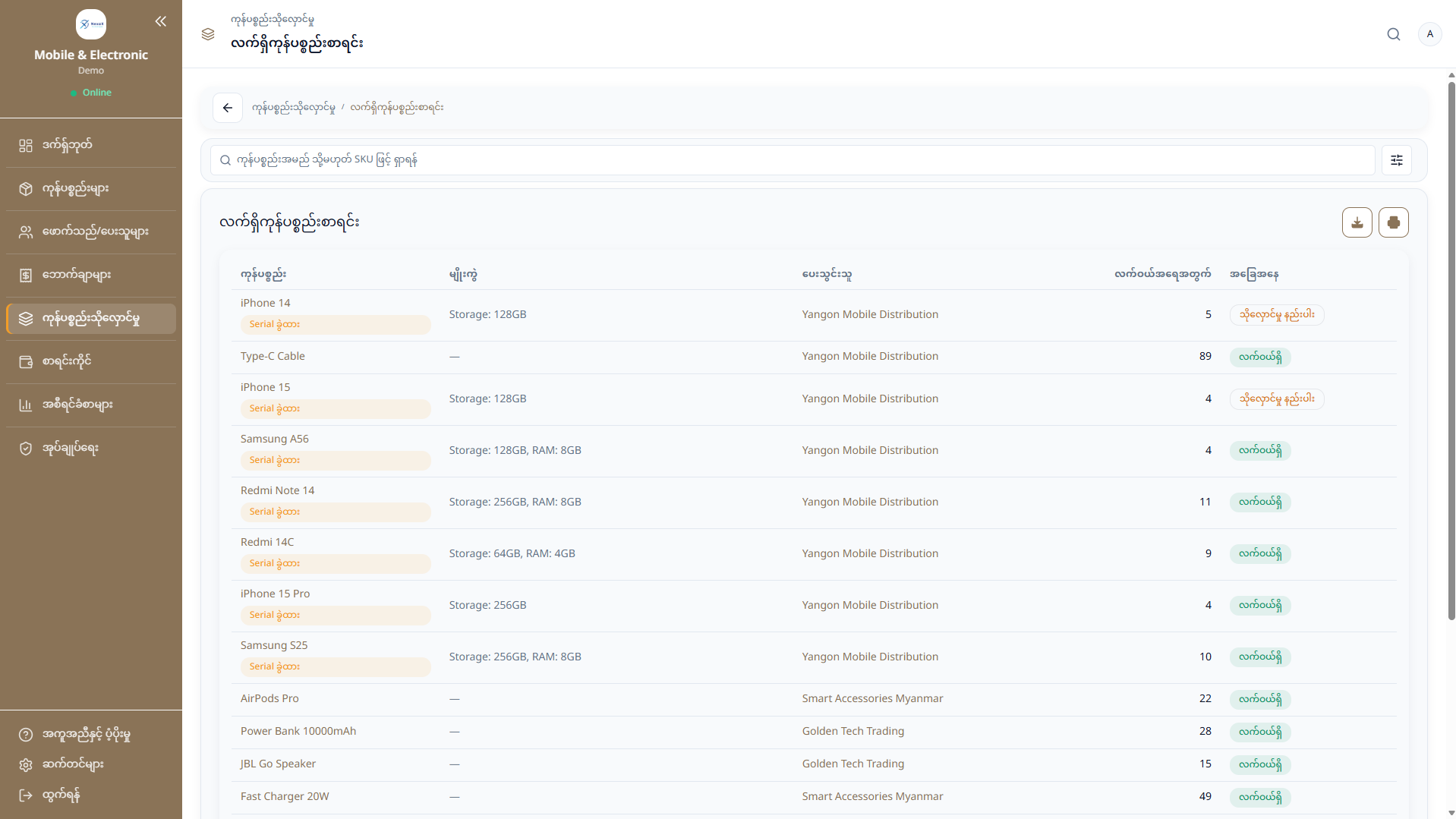
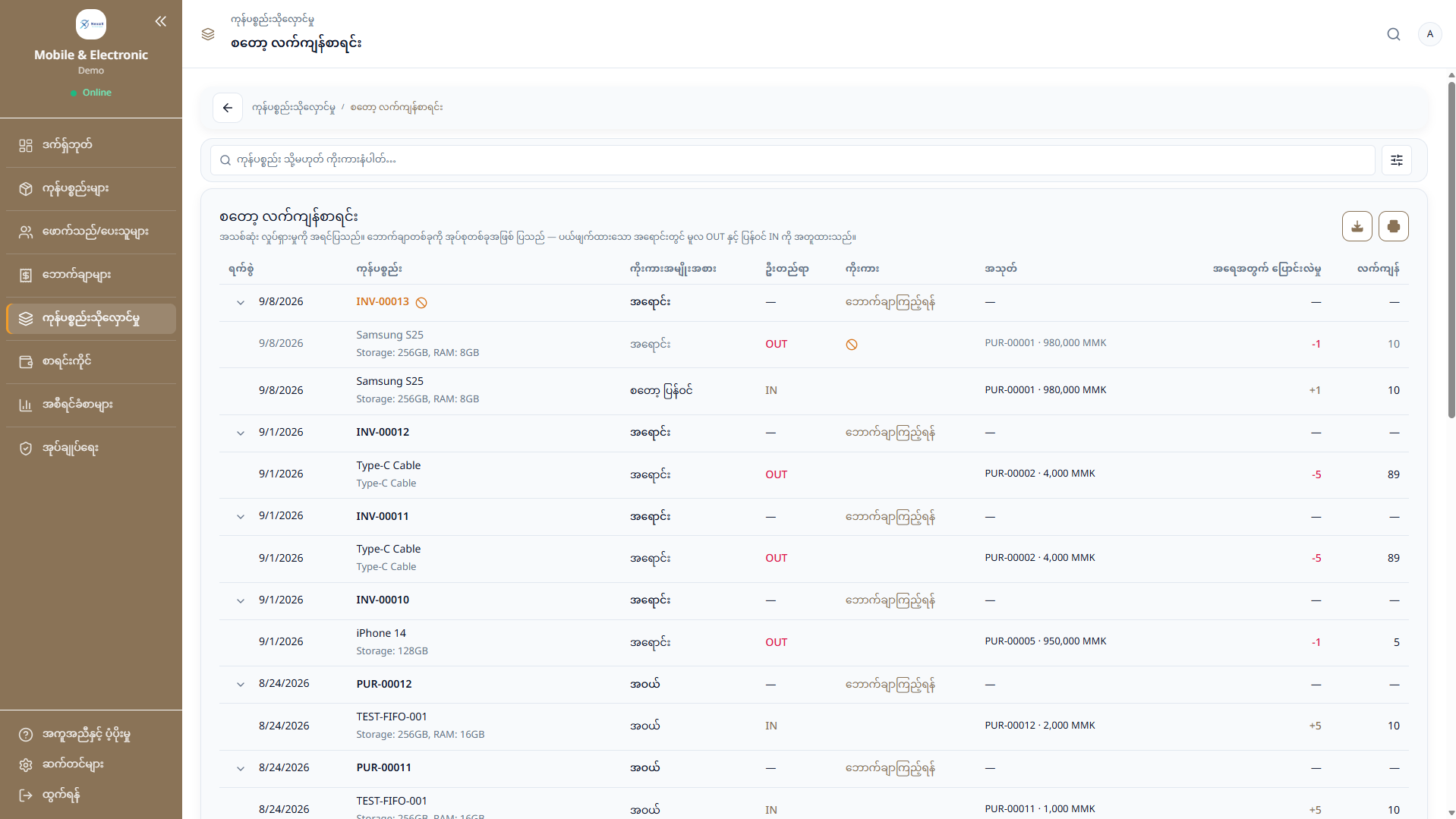
  1. Purchase
  2. Stock in
  3. Transfer
  4. Sale
  5. Stock out

One business. Multiple shops.

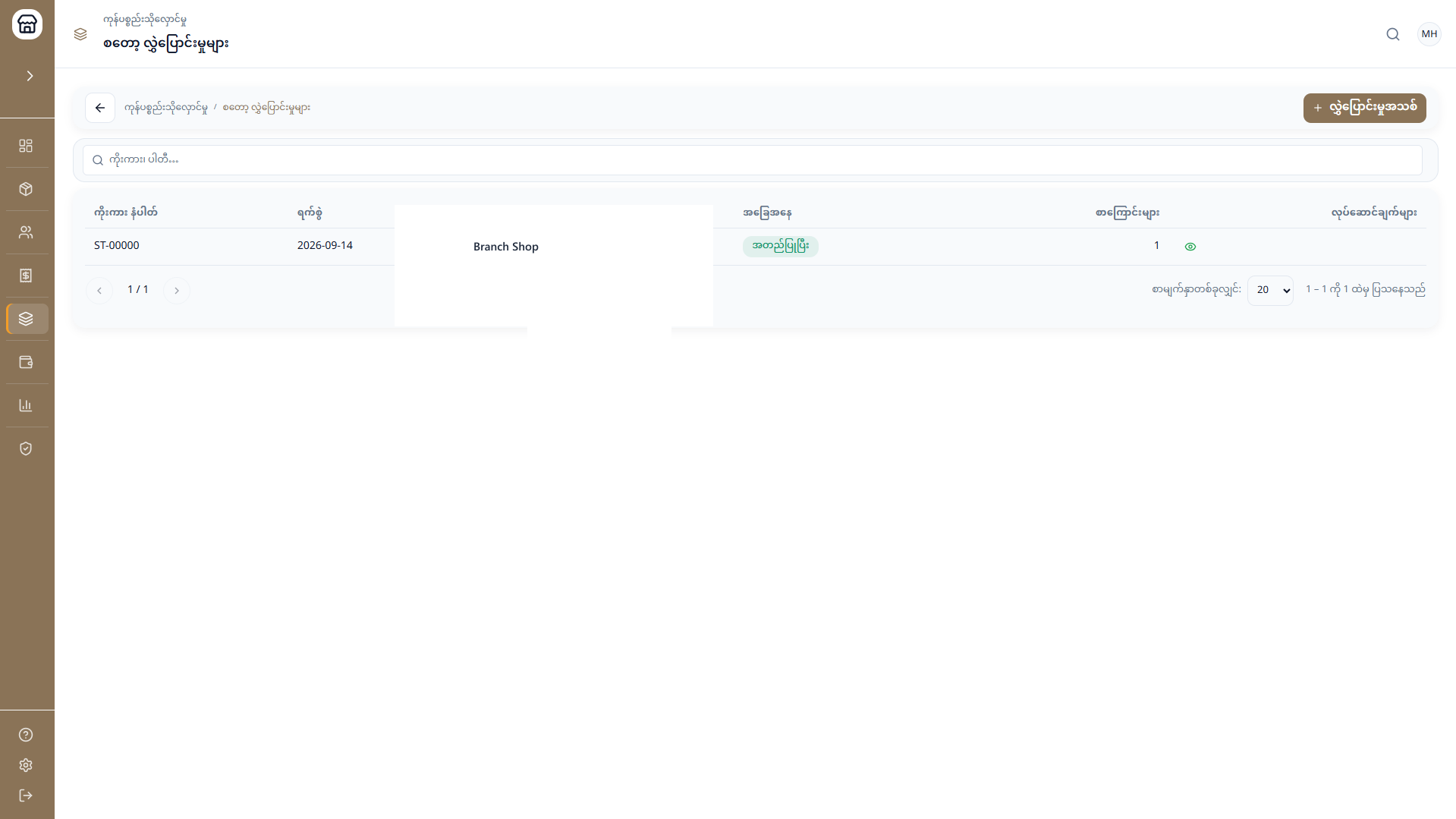
Run more than one shop, and transfer stock between them so each location stays up to date.

Your business
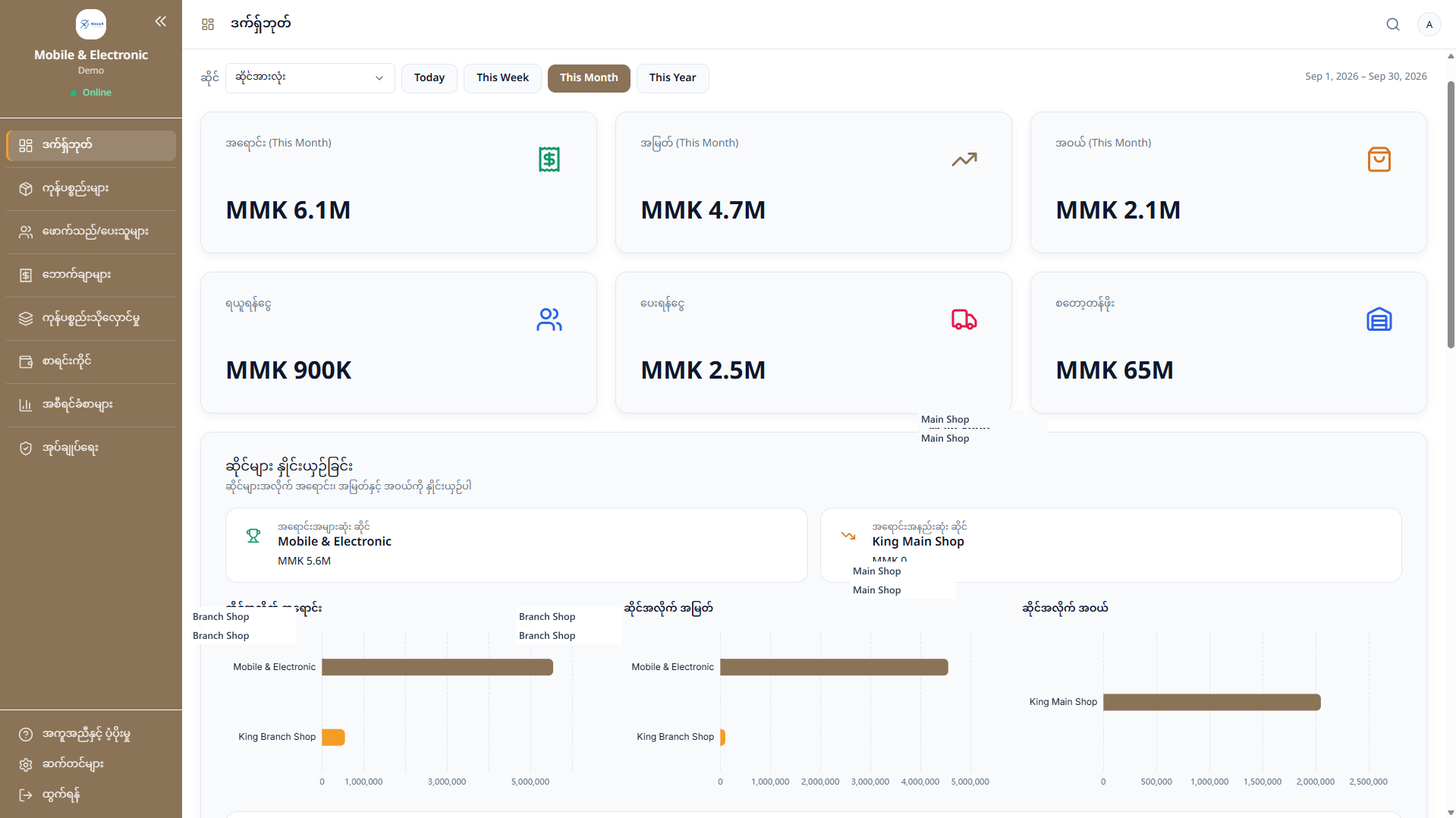
NexaX ERP dashboard comparing shops, including Main Shop and Branch Shop
Main ShopStock transferBranch Shop
NexaX ERP stock transfer to Branch Shop

No connection? Keep working.

If the connection drops, selling can continue on this device. Those sales sync when the connection returns.
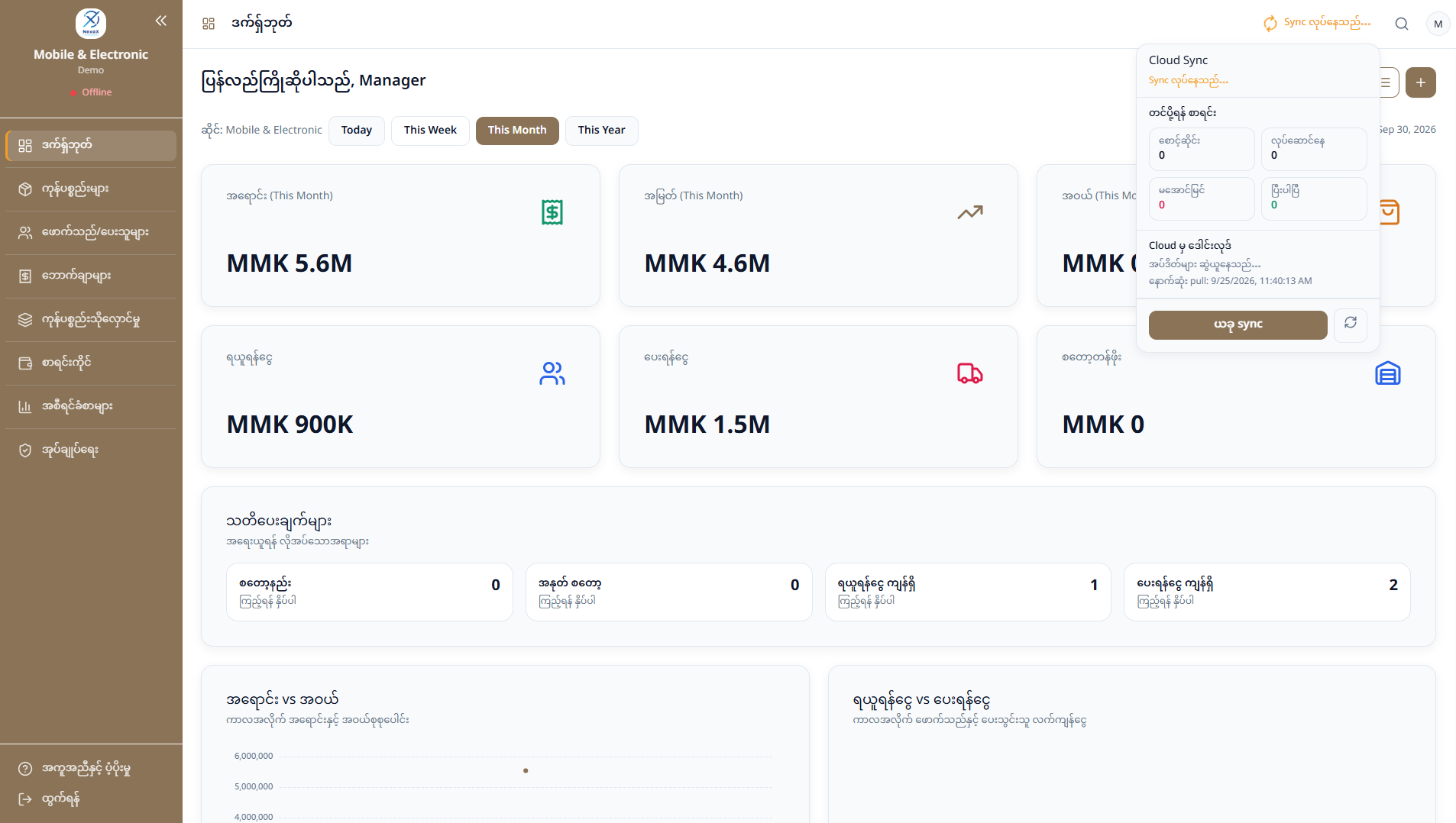
  1. Online
  2. Offline
  3. Keep working
  4. Sync
NexaX ERP dashboard while offline, with the cloud sync panel open

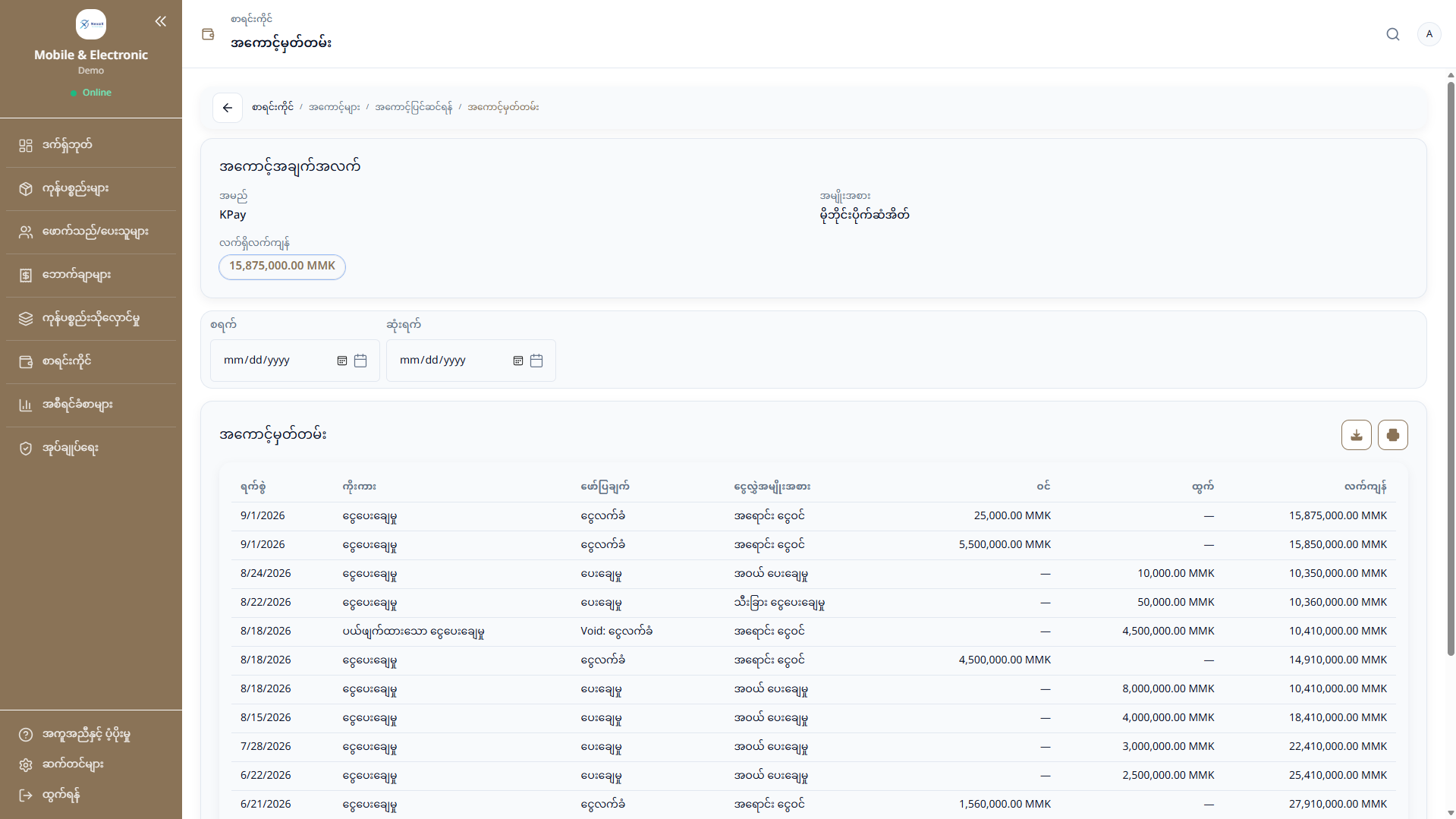
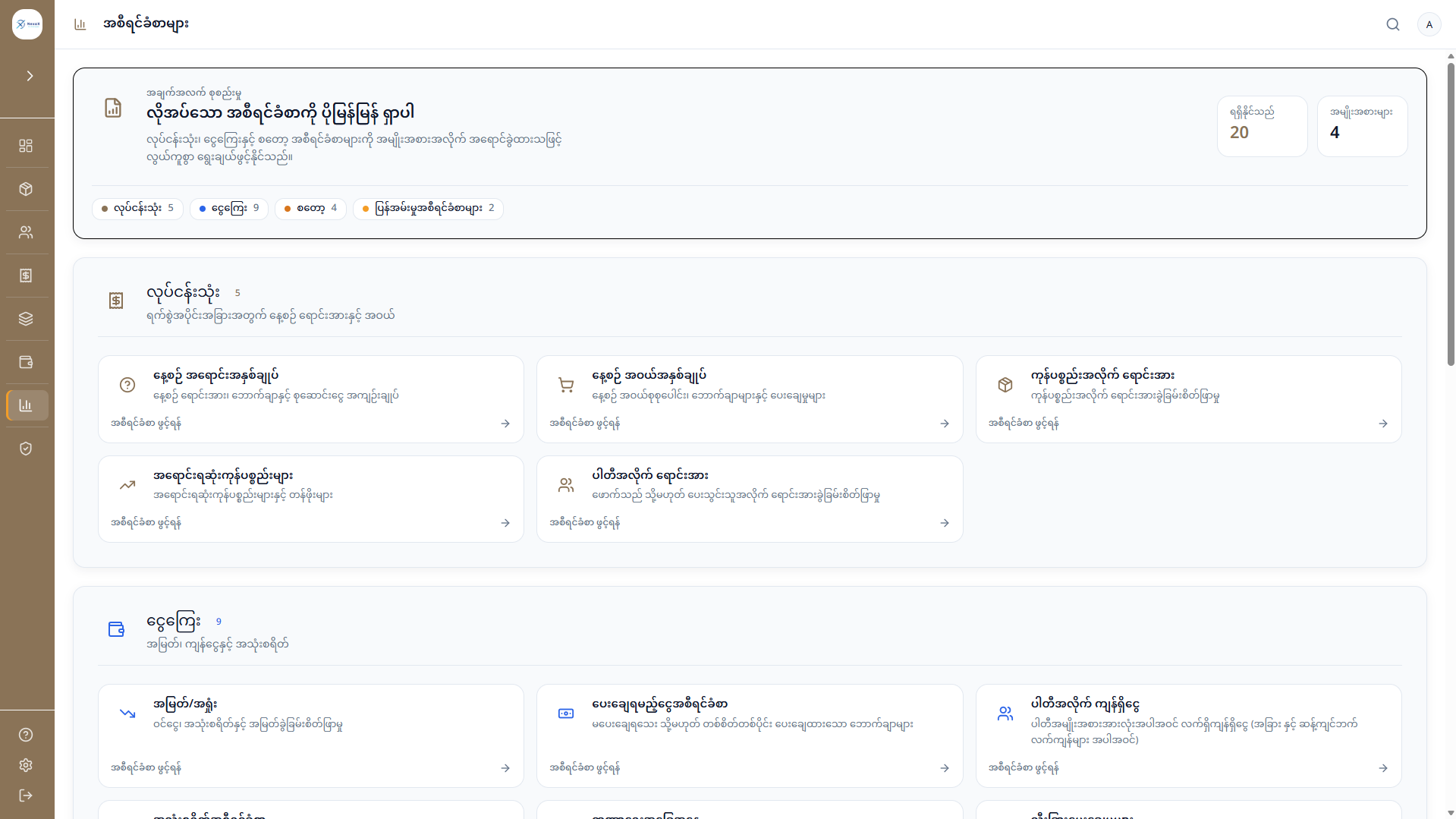
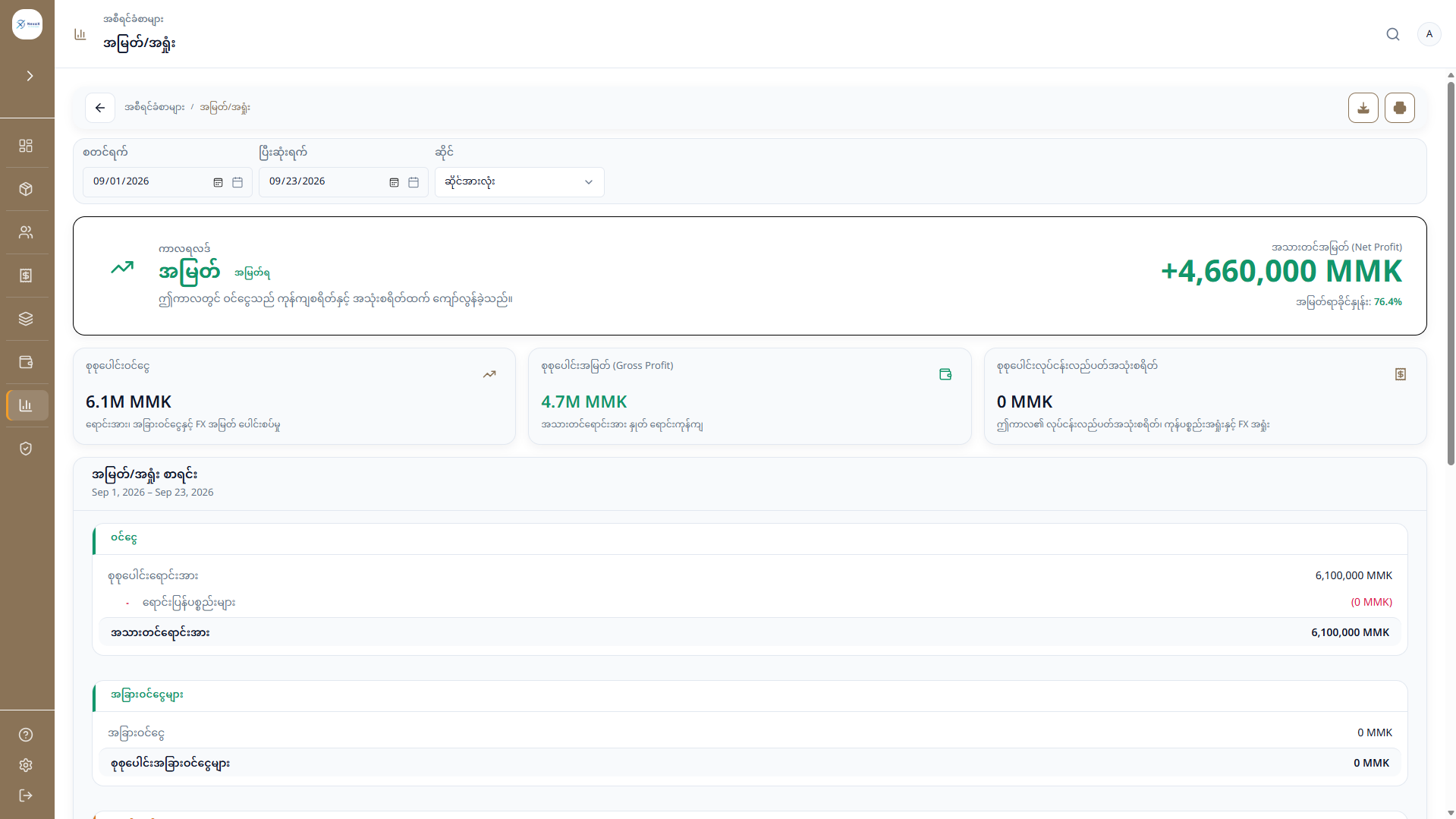
From every transaction to the bigger picture.

  1. Transactions
  2. Account ledger
  3. Profit & loss
  4. Business reports

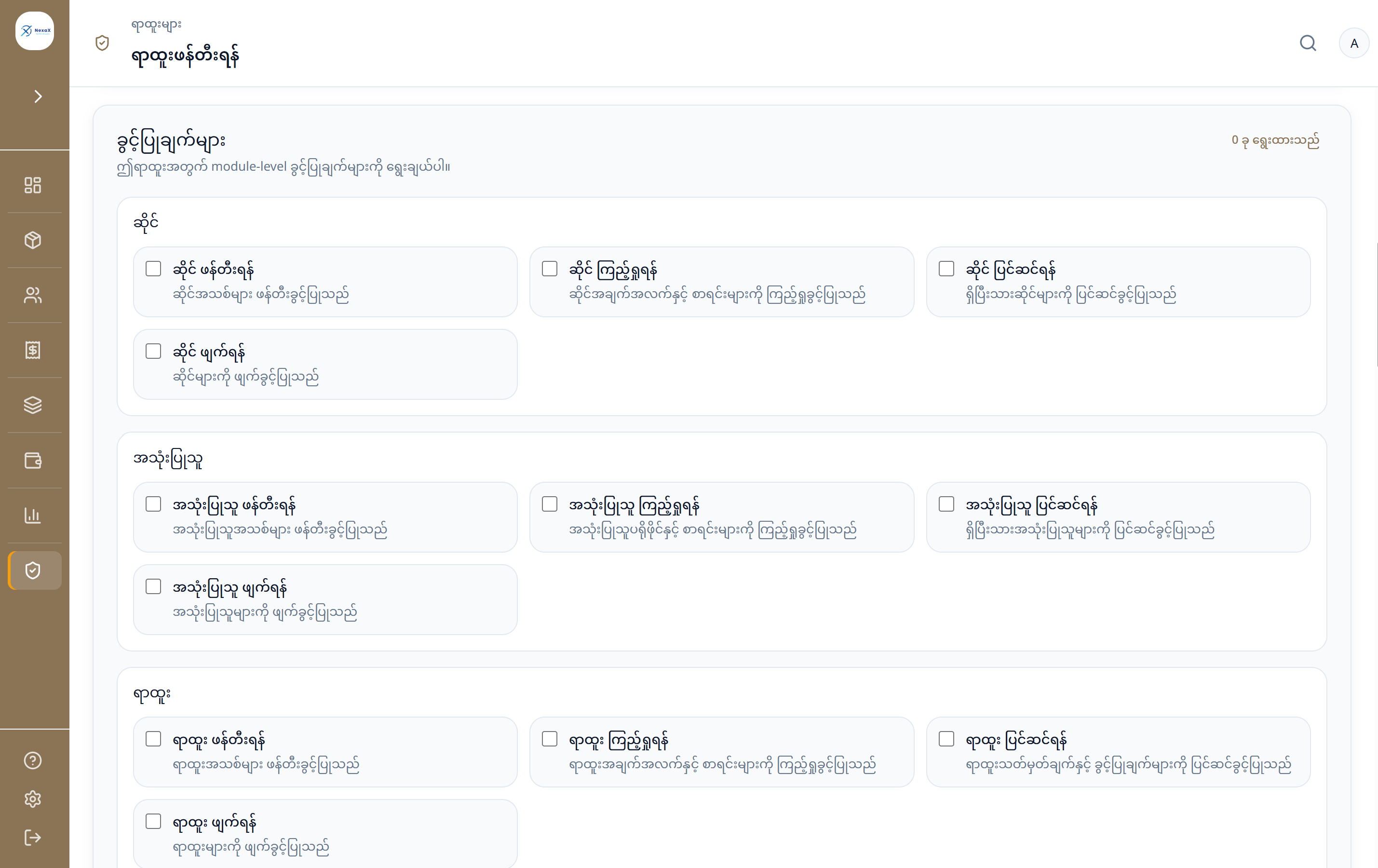
Everyone gets the access they need.

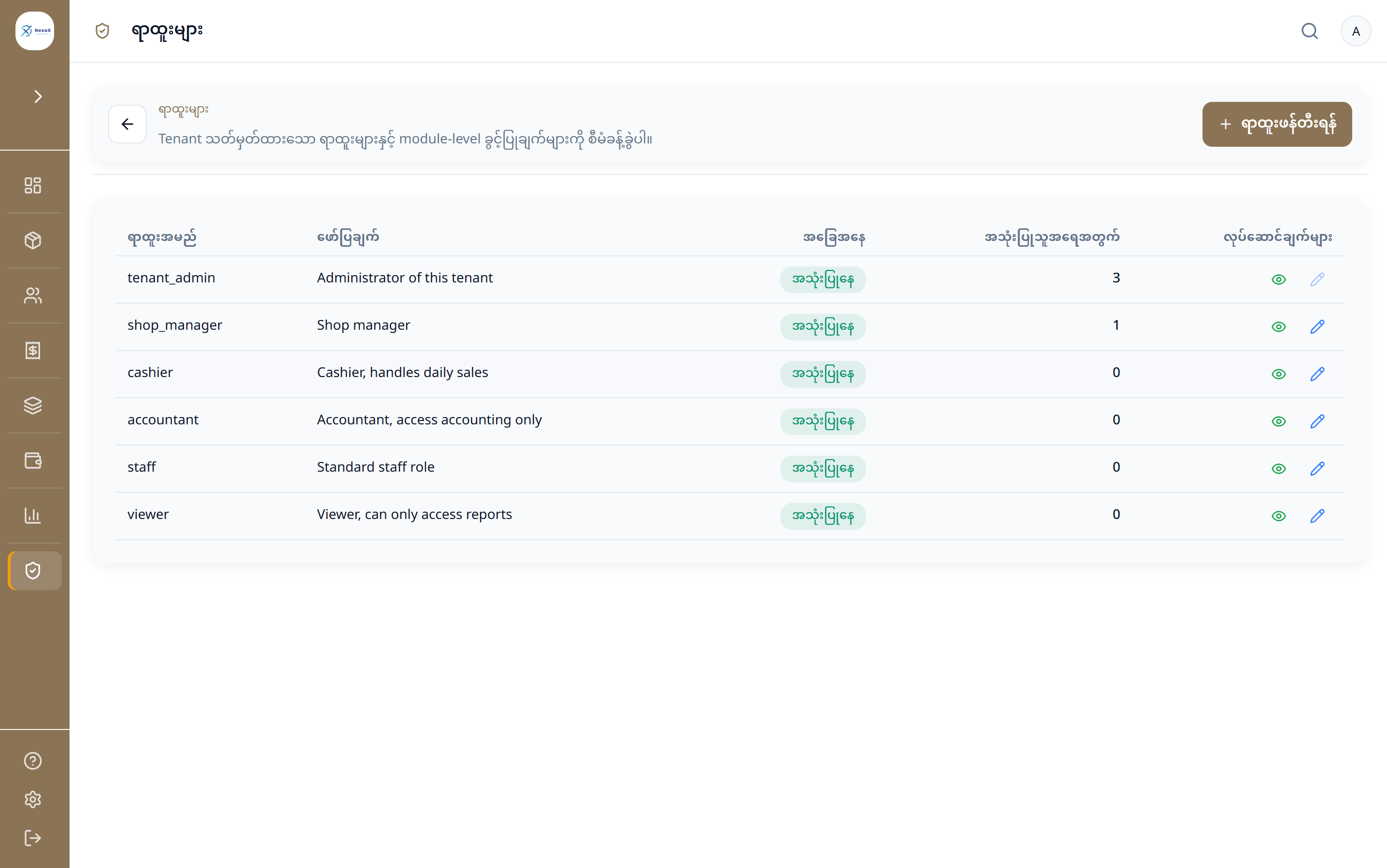
Owner — Full control. A role sets what that person can see and do.
One ERP. Your style.

Ready to see your business this way?